
THE BIG IDEA
What exactly is ModelBridge?
One aircraft library. Two simulators.ModelBridge is a Windows desktop converter that takes an AIG Microsoft Flight Simulator traffic library you already have installed and turns its aircraft models and airline liveries into an X-Plane-compatible CSL package.
That means Virtual Air Traffic can use the familiar aircraft types and operator paint schemes you already see in MSFS, rather than making you build a second traffic library from scratch. ModelBridge converts model geometry, textures and supported animations to X-Plane's CSL/OBJ8 format.
Your files stay yours — and stay local.
ModelBridge does not download AIG aircraft models, supply model libraries, or upload your aircraft files anywhere. It only works with the existing models stored on your PC and writes converted files to the destination you choose. You must obtain the original models yourself and respect their license terms.
Reuse the AIG aircraft models already in your MSFS installation.
Bring supported airline paint schemes over to X-Plane.
No model downloads, model hosting or cloud conversion.
FOUR SIMPLE STEPS
From MSFS to X-Plane.
ModelBridge is designed to work with the AIG aircraft library already installed on your computer. There's no model download step in the converter — just choose your folders and let it do the conversion.
- 1Select your AIG source folder.
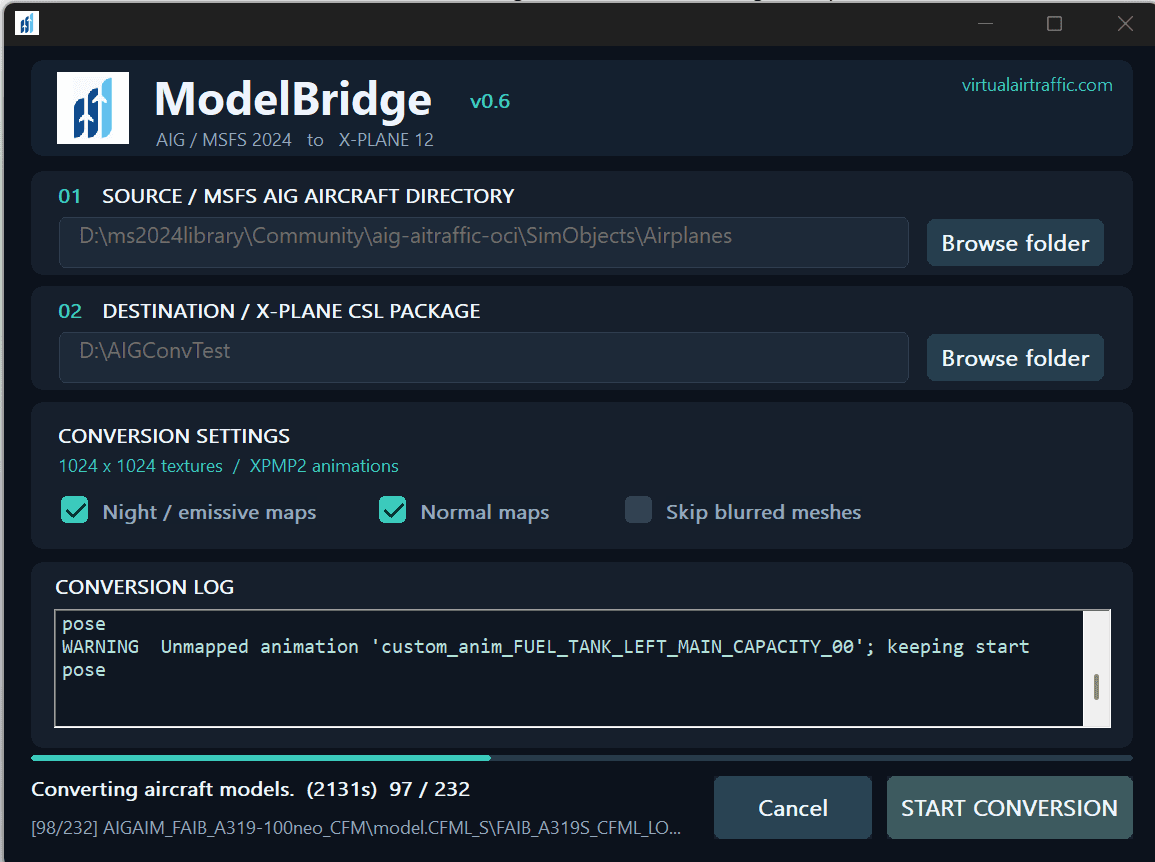
In ModelBridge, click Browse folder next to Source. Open your MSFS Community folder and select the Airplanes directory inside
Community\aig-airtraffic-oci\SimObjects\Airplanes. Select that exact Airplanes folder, not the Community folder above it. - 2Choose where the converted CSL files should go.
Click Browse folder next to Destination and choose a separate folder for the new X-Plane CSL package. A dedicated, empty folder is easiest to manage. Do not place it inside your AIG source directory.
- 3Click “Start conversion”.
ModelBridge scans your models and builds the CSL package, including model files, textures and an
xsb_aircraft.txtindex. Watch the progress bar and conversion log; larger libraries will take longer. Night/emissive and normal-map options are available in the tool if you want to adjust the exported textures. - 4Point Virtual Air Traffic at the new models.
When conversion is complete, open Virtual Air Traffic settings and set the AGL model directory to the same destination folder you chose in step 2. Then restart X-Plane so VAT can load your newly converted CSL models.
D:\ms2024library\Community\aig-airtraffic-oci\SimObjects\AirplanesYour drive and MSFS Community folder location may be different.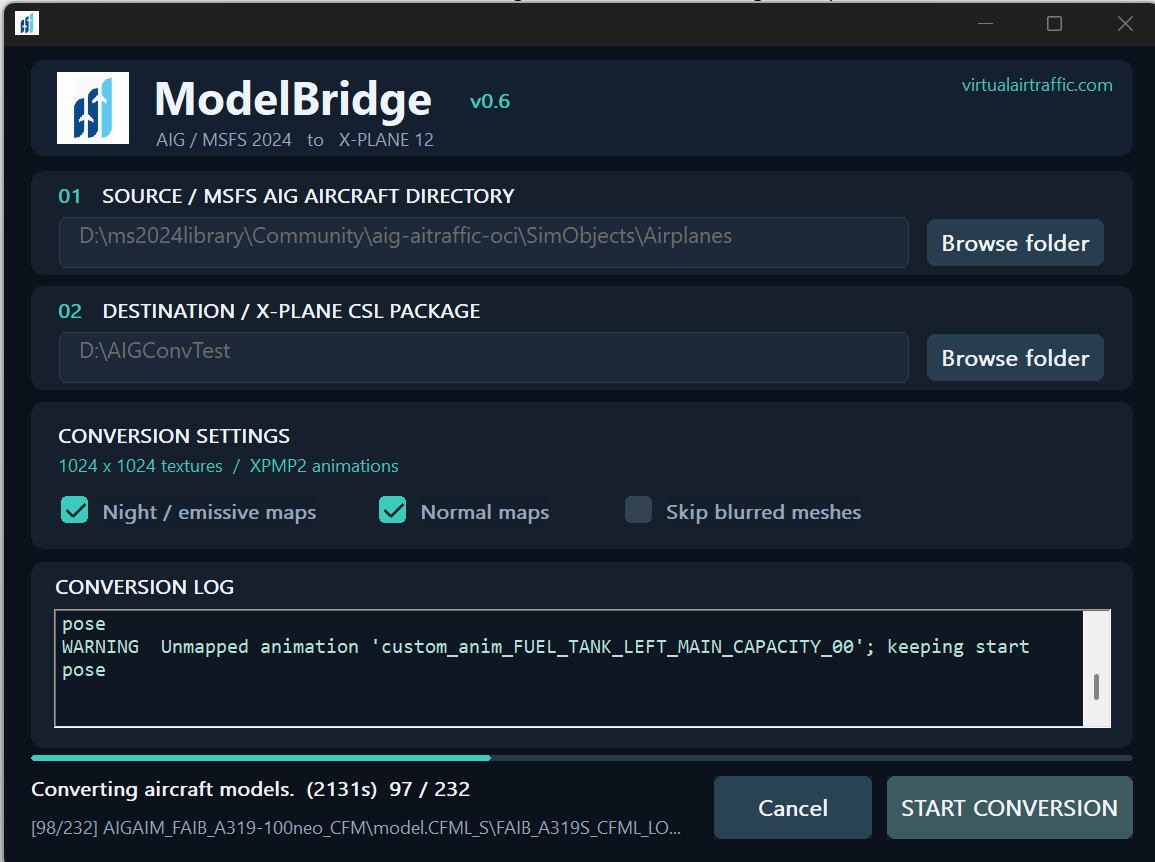
A FEW THINGS TO KNOW
Check the result before your next flight.
The output is an X-Plane CSL package, not a second copy of your MSFS installation. ModelBridge creates the files and mapping information used by X-Plane's aircraft traffic system. It also writes a conversion log and reports to the destination folder, so you can check for skipped models or warnings.
Conversion isn't a visual-fidelity guarantee. Some AIG models use MSFS-specific materials, animations or behaviors that don't have an exact X-Plane equivalent. If the log shows warnings, or an aircraft looks unusual in X-Plane, review that particular model. Results can vary from aircraft to aircraft.
PLEASE READ BEFORE CONVERTING
Every model has its own rules.
Aircraft model libraries are created by different authors and organizations, and their licensing terms are not all the same. Permission to install a model for MSFS does not automatically mean you may convert it for X-Plane or share a converted copy.
Each model library — and, in some cases, each individual model — has its own license terms covering private and commercial use, conversion, and redistribution. Downloading or using ModelBridge does not, by itself, authorize conversion into another format. You are responsible for reading and complying with the terms of every library and every model you convert. Only convert models where you have the necessary rights, and do not redistribute converted assets unless their licenses permit it.
READY TO TRY IT?
Your next traffic library starts on your PC.
ModelBridge is available for Windows through the Virtual Air Traffic login portal. Sign in, find the ModelBridge download in your account's downloads area and run the converter on the PC that holds your AIG aircraft library. The tool itself does not include or download any AIG models.
Use the aircraft files you already have, check their licenses and follow the four steps above.
Go to the login portal